
What Is the Best Free PDF Editor Online? Features to Look For in 2026
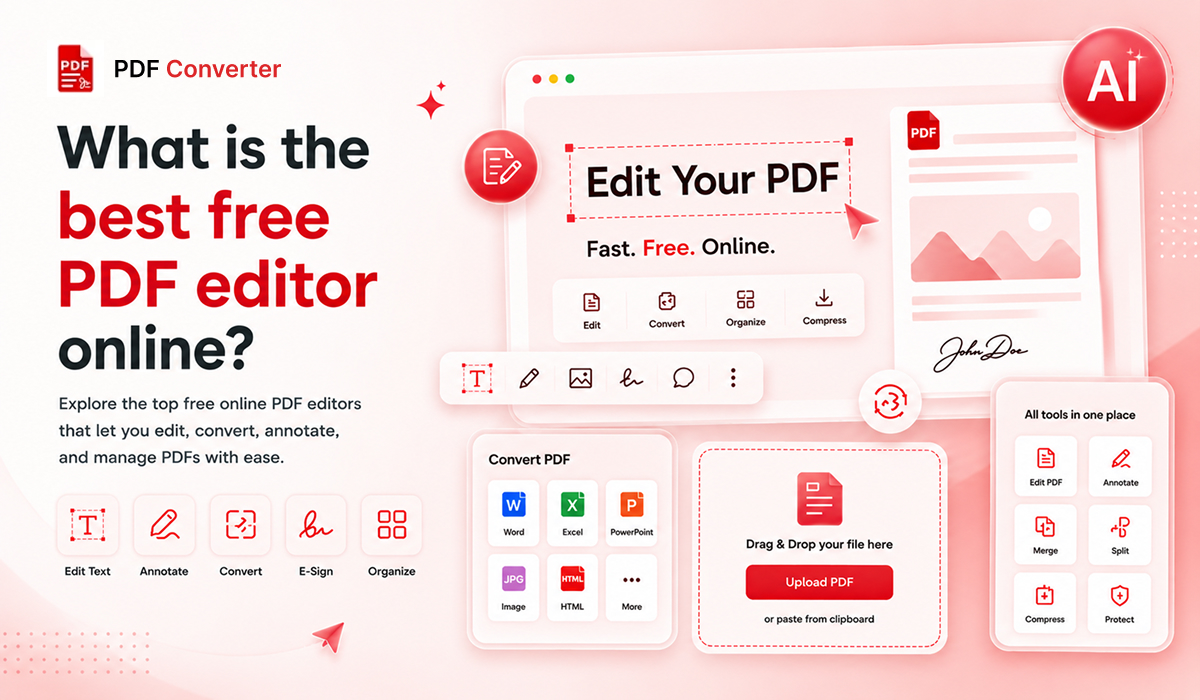
PDF files are everywhere, and so is the frustration of trying to edit them. In fact, the Global Growth Insights survey reveals that 72% of enterprises use PDF tools for secure document handling in 2026. Yet most individuals still struggle to find a tool that allows them to edit, convert, or sign a PDF without a paywall or forced subscription. If you’re seeking the best free PDF editor online that genuinely gives clean output with no strings attached, this article covers exactly what features to look for in 2026.
Why Do People Need a Free PDF Editor Online?
PDFs were built for viewing, not editing. That gap has always been a problem. Desktop software is expensive, device-specific, and slow to set up. That is exactly why people look for ways to edit PDFs online for free instead. A reliable browser-based tool eliminates all barriers: no download, no licensing, and no compatibility concerns. You simply have to open the browser, upload your file, modify it, and download the PDF.
What Does a Best Free Online PDF Editor Do?
A capable tool does more than fix a typo. It lets you add, move, or delete text, insert or replace images, rearrange or remove pages, fill and sign forms, and convert the file to another format when needed. The tools that handle all of this in one place are worth your time. The ones that charge you to complete even one of these tasks are not truly free.
Why Are Online PDF Editors Replacing Desktop Software?

Browser-based tools have caught up in capability and left desktop software behind in convenience. No installation, no license fee, no update to download. You get the same experience on every device. For the vast majority of everyday tasks, an online PDF editor without signup handles everything desktop software does without the overhead.
What Features Should a Dependable Online Free PDF Editor Have?

Simple and Easy Editing Experience
The interface should feel natural from the first use. A clean layout with clearly labelled tools is a sign the product was built for real users. If you need a tutorial just to add a text box, the tool has already failed you.
Works Instantly in Any Browser
A genuine browser-based PDF editor requires no plugin, no app, and no setup. It runs smoothly in Chrome, Safari, Edge, and Firefox on both desktop and mobile. In case a tool asks you to install something before editing, find another tool.
Clean Output Without Watermarks
This is the most common bait-and-switch in this business. You can edit for free using a program, but then it adds a big watermark on every page you export. A free PDF editor with no watermark means the file you download looks exactly as you edited it, with nothing added. Always test the export before relying on any tool for something important.
Fast Performance and Smooth File Handling
A 45-second load time for a 2MB file is not acceptable at all. Good editors handle multi-page documents quickly, even on average connections. Remember, speed is not a bonus feature; it is a basic requirement.
Built-in PDF Conversion Features
Editing and converting almost always go together. You may need to export a PDF as a Word file or a JPG or bring in a spreadsheet. A strong, best free PDF editor handles these conversions inside the same platform. Sending files between five different websites to finish one task is not a workflow; it is an unnecessary burden. Tools like The PDF Edit are built specifically for this purpose: converting your file to Word, Excel, or JPG or back to PDF in one step. This is all done directly in the browser, with no signup needed.
Smart Editing Support
Modern tools are equipped with smarter features. An AI PDF editor can auto-detect form fields and flag inconsistencies. They can also handle repetitive tasks faster than manual editing. Especially useful for long contracts, scanned documents, or complex forms with a plethora of fields.
Secure and Private Document Processing
Any tool handling your files should encrypt them in transit, delete them after processing, and have a clear privacy policy. For legal or financial documents, this is not optional. Read the policy before uploading anything sensitive.
Why an All-in-One PDF Tool Works Better?
Most people don't only need to edit PDFs. A typical workflow looks like this: you receive a document, edit the content, convert it to a different format, and then password-protect it before sending. That is three separate tasks. In case you are using three different websites to accomplish this type of task, you have to upload your file multiple times, wait for each tool to process it, and accept privacy risks at every single step.
A platform that handles editing, conversion, and protection under one roof removes all of that. You stay in one place, your file is handled fewer times, and the entire job gets done faster. This is not a luxury feature for power users. For anyone who works with PDFs more than once a week, it is simply the more practical way to work.

Which Free PDF Editor Online Should You Use in 2026?
If you want a tool that genuinely covers the full PDF workflow without switching tabs or creating accounts, The PDF Edit is the right choice.
Here is what it offers:
Converts in both directions. PDF to Word, PDF to Excel, PDF to JPG, and Word or image files back to PDF. All formats handled in one place.
No account needed. Open the site, upload your file, convert, and download. Nothing else required.
No watermark on output. The file you download is clean. No branding, no stamps, no catches.
Runs entirely in the browser. No software to install, no plugin, no device restriction. Works on desktop and mobile.
Built-in file protection. Once your file is converted, The PDF Edit lets you add a password in seconds on the same platform. You don't have to re-upload the file.

Final Thoughts: What Really Makes the Free Online PDF Editor the Best?
The best free PDF editor online is not the one loaded with numerous features. It is the one that works from the first click, respects your file privacy, gives you clear output without hidden catches, and does multiple tasks without redirecting you elsewhere. If conversion is part of your regular workflow, our The PDF Edit is worth bookmarking. Try it now!
Also, use the above checklist to find the right tool without wasting time on the wrong ones.
Related PDF Tools
Ready to Try These Tools?
All PDF Converter tools are free, require no signup, and process files directly in your browser for maximum privacy.